
Introduction
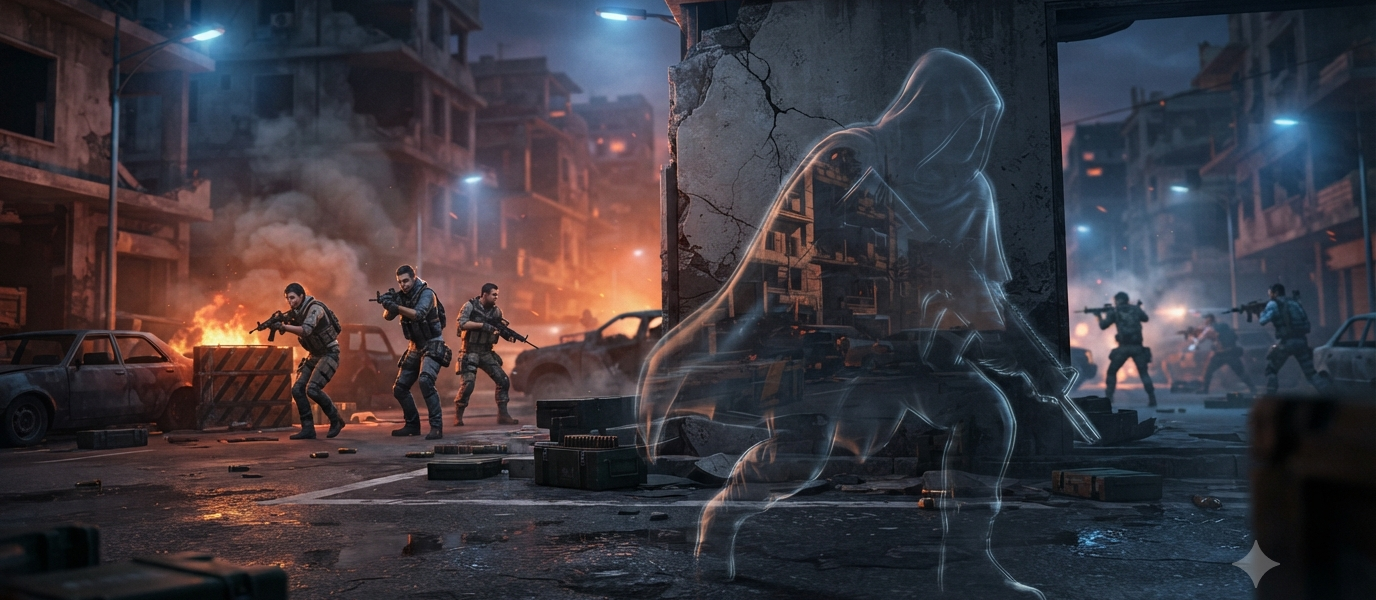
Many players search for invisible space Free Fire to create unique in-game nicknames that stand out from the crowd. By inserting invisible or blank Unicode characters, you can separate words, design stylish usernames, or create a cleaner-looking profile name without using visible symbols. These invisible spaces are popular among Free Fire players because they help personalize nicknames while maintaining a minimal appearance. In this guide, you’ll learn what invisible spaces are, how to use them in Free Fire, different types of invisible characters, and important tips to avoid common issues when changing your in-game name.
What Is an Invisible Space in Free Fire?
An invisible space is a special Unicode character that appears blank but is still recognized as a character by many systems.
Players commonly use invisible spaces to:
- Separate words in a nickname
- Create unique username designs
- Improve the appearance of gamer tags
- Stand out from other players
- Customize clan or guild names
Unlike a normal keyboard space, an invisible Unicode character may be accepted in places where regular spaces are not.
Why Do Players Use Invisible Spaces?
Invisible spaces have become popular for several reasons.
Create Unique Usernames
Adding invisible characters helps make a nickname look different from standard player names.
Improve Readability
A blank character can separate words without adding visible symbols.
Personalize Your Profile
Many players use invisible spaces along with stylish fonts and special symbols to create a distinctive identity.
Match a Gaming Theme
Minimalist names often look cleaner when invisible spaces are used appropriately.
How to Add an Invisible Space in Free Fire
Follow these general steps:
Copy an Invisible Character
Use a trusted source that provides Unicode blank characters.
Open Free Fire
Go to your profile and choose the option to edit your nickname.
Paste the Character
Insert the invisible character where you want the blank space to appear.
Save the Nickname
If the character is supported, your updated name will display with the invisible spacing.
Types of Invisible Unicode Characters
Several Unicode characters may appear blank.
Examples include:
- Zero Width Space
- Zero Width Non-Joiner
- Zero Width Joiner
- Word Joiner
- Hangul Filler (sometimes used in games)
Support for these characters varies, and game developers may change which ones are accepted over time.
Benefits of Using Invisible Spaces
Stand Out in Matches
A unique nickname can make your profile more recognizable.
Clean Appearance
Invisible spaces provide separation without adding visible punctuation.
Easy Customization
They can be combined with decorative symbols or stylish text.
Better Profile Design
Many players use invisible spaces to create balanced and visually appealing usernames.
Common Reasons an Invisible Space Doesn’t Work
Sometimes an invisible character is rejected.
Possible reasons include:
- The game no longer supports that Unicode character.
- The nickname violates naming rules.
- The invisible character was copied incorrectly.
- A recent game update changed nickname validation.
- The name exceeds the maximum character limit.
Trying a different supported Unicode character may solve the issue.
Tips for Creating a Stylish Free Fire Nickname
Keep It Short
Short usernames are easier to remember.
Avoid Too Many Symbols
Using excessive decorative characters can reduce readability.
Test Before Confirming
Preview your nickname to ensure it displays correctly.
Use High-Quality Unicode Characters
Copy invisible characters from reliable sources to avoid unsupported symbols.
Things to Remember
Before changing your nickname:
- You may need a Name Change Card or other in-game method to update your name.
- Some invisible characters may stop working after game updates.
- Nickname rules can vary by region and version.
- Always follow the game’s community guidelines and naming policies.
Alternatives to Invisible Spaces
If invisible characters are unavailable, consider:
- Underscores
- Dots
- Minimal decorative symbols
- Stylish Unicode letters
- Simple word combinations
These options can also create attractive gamer names while remaining easy to read.
Common Mistakes to Avoid
Many players encounter problems because they:
- Copy unsupported Unicode characters.
- Use too many invisible spaces.
- Exceed the nickname character limit.
- Paste extra hidden characters accidentally.
- Ignore updated naming restrictions.
Checking your nickname before saving helps avoid these issues.
Is Using an Invisible Space Safe?
Using standard Unicode characters in a nickname is generally safe as long as they comply with the game’s current naming rules and terms of service.
Avoid using tools or methods that attempt to bypass game security or violate platform policies.
Conclusion
Using an invisible space Free Fire nickname is a simple way to create a cleaner and more distinctive in-game identity. Whether you want to separate words, design a stylish gamer tag, or personalize your profile, invisible Unicode characters can help when they are supported by the game. Since naming rules and accepted characters may change with updates, always test your nickname before confirming it and follow the latest in-game guidelines.
FAQs
What is an invisible space in Free Fire?
It is a Unicode character that appears blank and may allow spacing or formatting in a Free Fire nickname.
Can I use a normal keyboard space in a Free Fire name?
In many cases, standard spaces are not allowed, which is why players use supported invisible Unicode characters instead.
Why isn’t my invisible space working?
The character may no longer be supported, may have been copied incorrectly, or your nickname may not meet the game’s naming requirements.
Do invisible spaces affect gameplay?
No. They only change the appearance of your nickname and have no impact on gameplay or player performance.
Can I combine invisible spaces with stylish fonts?
Yes. Many players combine invisible characters with decorative Unicode text and symbols to create unique gamer names.
Is using an invisible space against the rules?
Using supported Unicode characters is generally acceptable, but players should always follow the current game rules and naming policies.